
STEP 1
Upload two portraits
Choose a clear photo of each consenting adult. Each photo is uploaded separately so the model can reference both people.
Upload two photos, choose a kiss style, and create your video.
Image 1
Image 2
JPG, PNG or WebP · 8 MB max each
Choose your scene
From a classic kiss to a fictional camera scene, choose the mood that fits your idea. All scenes use the same two-photo workflow.
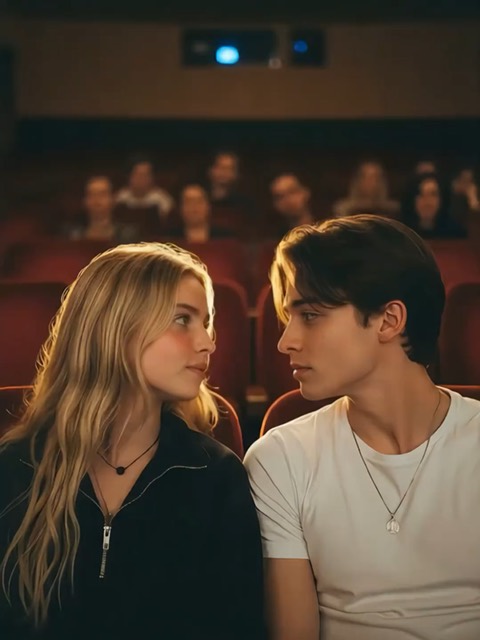
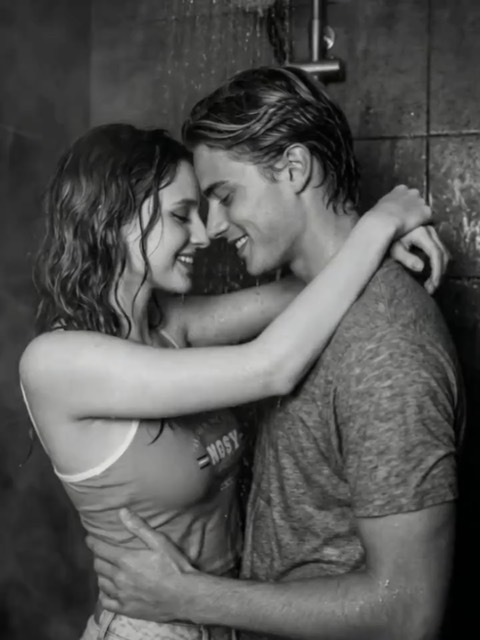
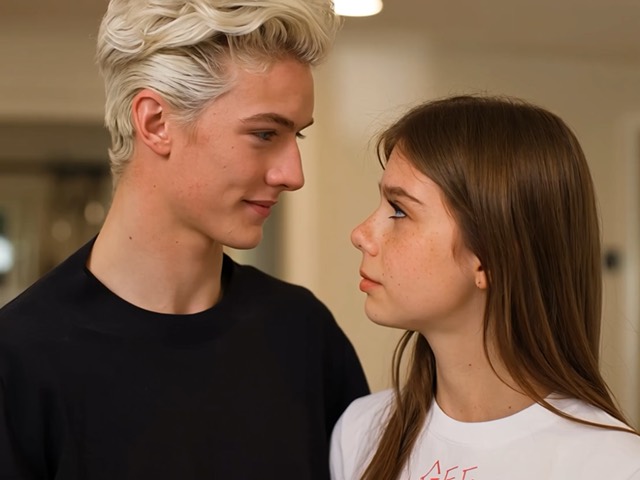
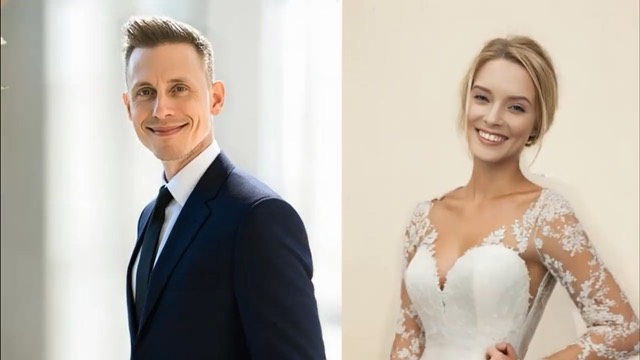
Three simple steps
Create an AI kissing video with two separate adult portraits and a scene preset.
STEP 1
Choose a clear photo of each consenting adult. Each photo is uploaded separately so the model can reference both people.
STEP 2
Pick from 26 scene ideas, from a gentle forehead kiss to a cinematic rain kiss. Seedance 2.0 is selected by default.
STEP 3
Sign in, review the credit cost, and start your video. Track its status, preview the result, and download it when ready.
Better source photos
Reference quality affects the result. Use two photos you have permission to upload.
Choose portraits where both faces are easy to see.
Use bright, even lighting and visible facial details.
Front or three-quarter views generally make better references.
Avoid masks, heavy blur, sunglasses, or cropped faces.
Start free, then upgrade for more monthly credits, faster AI video generation, no-watermark outputs, and privacy features when your creative workflow grows.
Perfect for beginners exploring AI video
Billed annually · $239.76 $119.88/year
2,000 credits per month
Ideal for high-frequency creation
Billed annually · $479.76 $239.88/year
5,000 credits per month
Designed for heavy production workflows
Billed annually · $935.76 $467.88/year
10,000 credits per month
Answers about photos, credits, and generation.
It is a tool that uses reference photos and an AI video model to create a short, fictional kissing scene.
Upload two separate adult portraits, choose a style, sign in, and start generation. GatsbyAI submits both photos as references to Seedance 2.0.
No. Upload one portrait for each person in the two separate photo inputs. You do not need to combine them in an editor first.
Choose from 26 scene presets to guide the motion and setting. Results depend on your reference photos and the model.
Signed-in users can claim daily free credits. The generator displays the estimated cost before you start; a generation may need more credits than the daily free balance provides.
French Kiss is one of the available scene prompts. The model may limit or reject a request under its content rules, and results can vary.
Yes. You can select photos and a style first, but you must sign in before starting generation.
Use clear, well-lit portraits of consenting adults with visible faces and natural angles.
Timing depends on the model and queue. The page shows the current task status while your video is processing.
Yes. Once a generation succeeds and its result is available, you can preview and download it.
The generator shows the estimated credit cost before you start. Technical failures follow GatsbyAI’s existing credit refund process, and the page shows the failure status so you can try again.
Keep creating
Create and refine your next image or video with GatsbyAI.