

Create More. Waste Less.
Create AI videos from text or images with multiple AI models. See credit costs upfront, get your credits back if a generation fails, and use AI Optimize to refine prompts, find better-fit models, and create the videos you want with fewer attempts.
Explore AI video examples and find inspiration for your next creation.
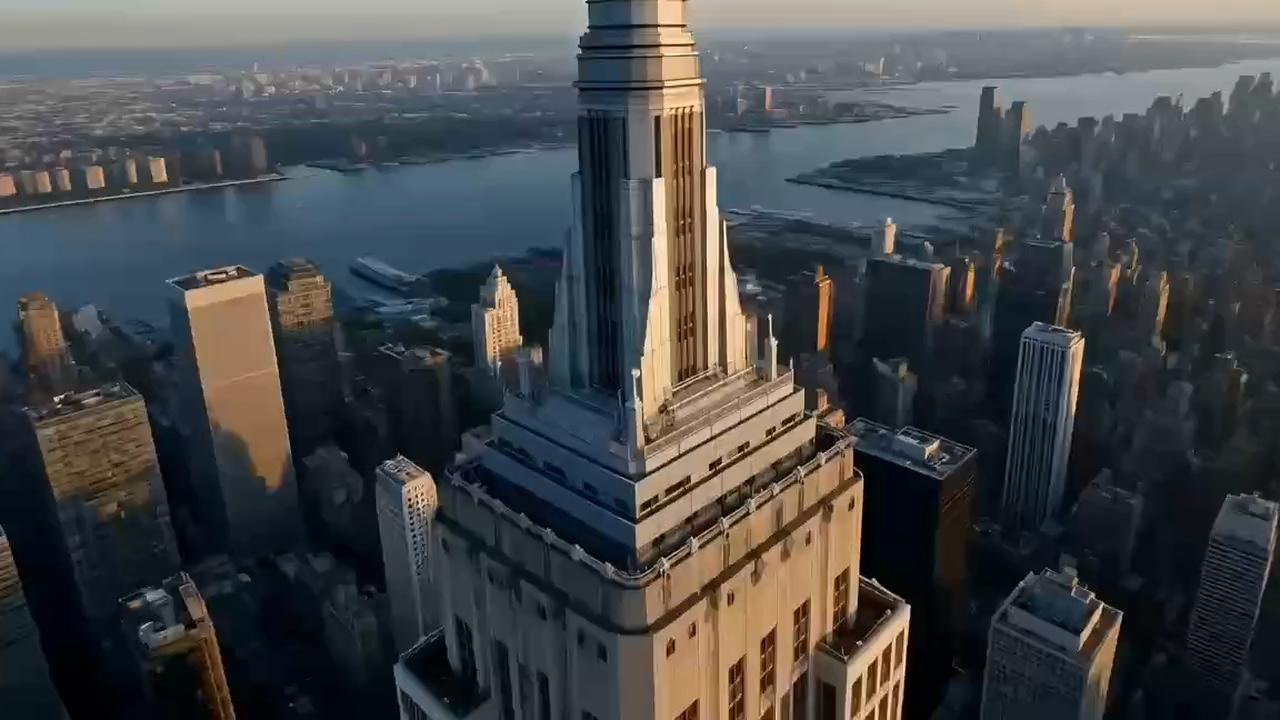
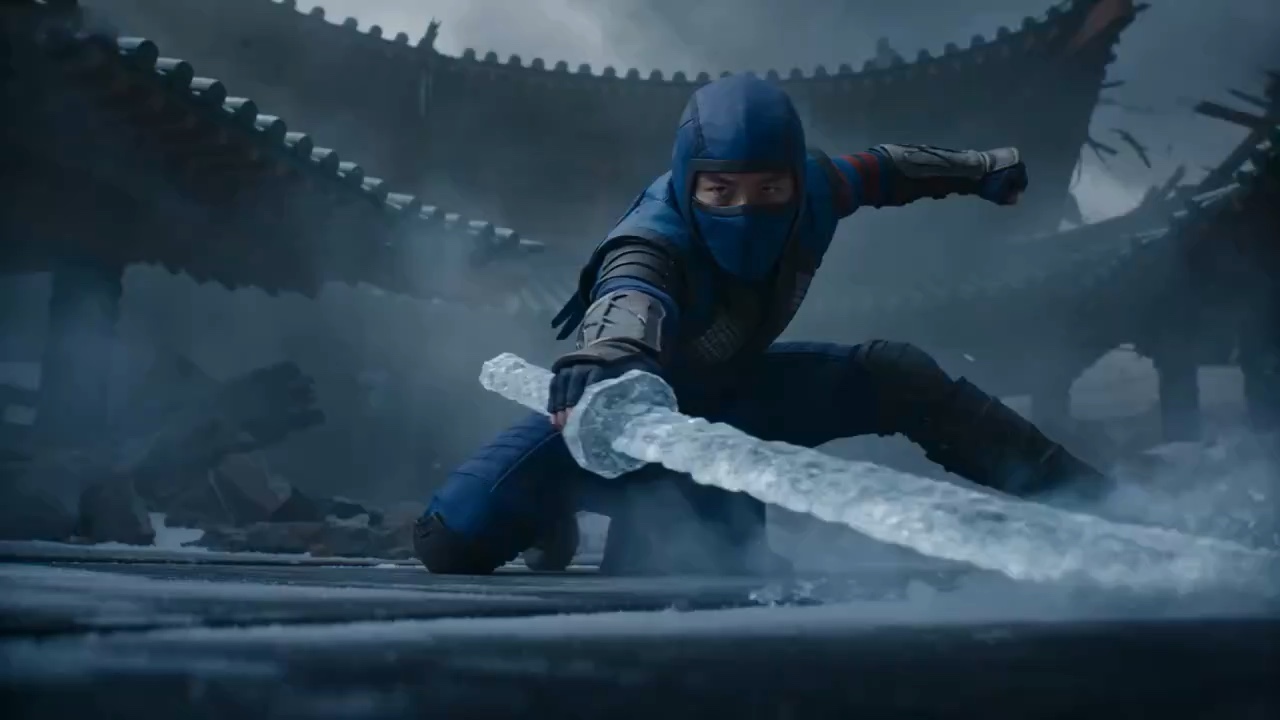
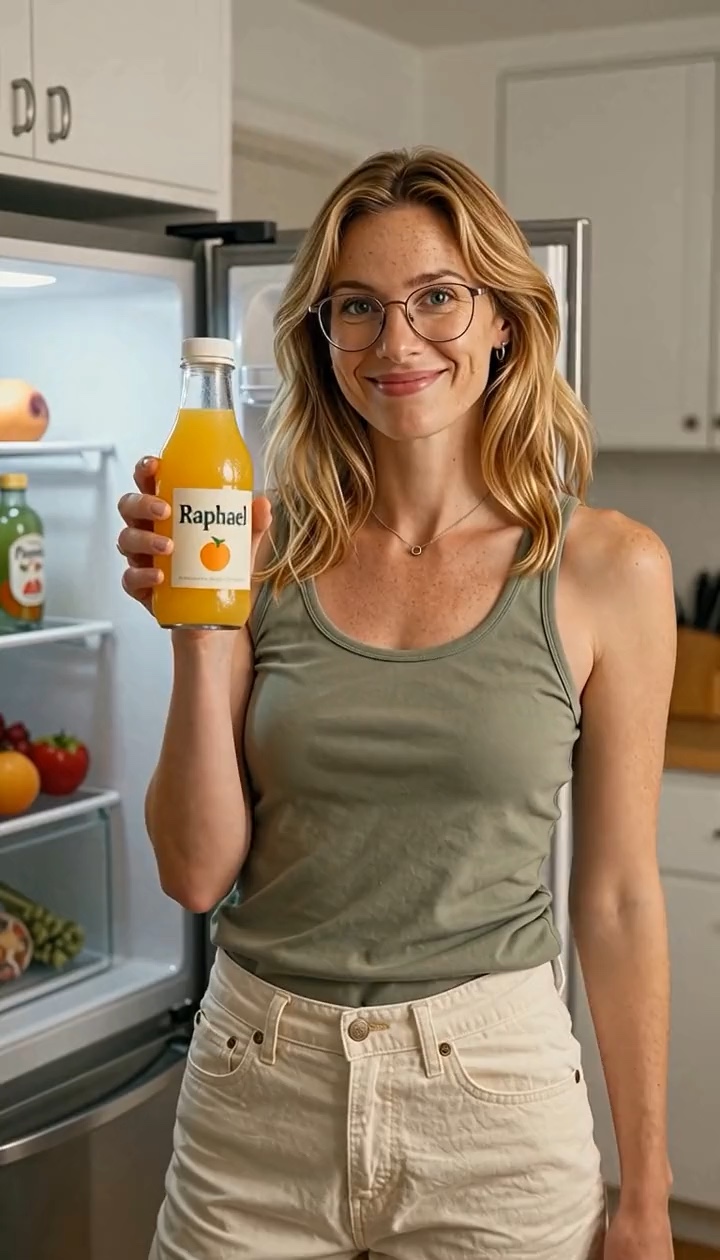
Choose the AI video model that fits your idea. Generate, compare, and experiment without switching between different platforms.
Create fluid, cinematic videos from text, images, and visual references.
Try SeedanceGenerate realistic motion and detailed image-to-video clips for creative work.
Try KlingCreate Google Veo 3.1 short clips with predictable duration, quality, and aspect controls.
Try VeoUse H3 and Hailuo routes for fast previews, keyframes, and high-quality clips.
Try MiniMaxCreate AI videos from text or images with a focused online workflow built for fast prompts, flexible model choice, and polished video results.
Start with a free AI video generator that gives you daily credits for testing prompts, animating images, and creating short AI videos online.
Write a scene, camera move, character action, or product concept, then turn text into video with simple controls for duration and aspect ratio.
Upload product photos, artwork, character images, or social media visuals and transform still images into moving AI video clips.
Create with Seedance, Kling, Veo, and MiniMax routes in one AI video maker, so you can choose the right model for speed, realism, or style.
Preview ideas quickly, refine your prompt, and generate new variations without switching tools or opening complex video editing software.
Explore cinematic shots, product clips, animated scenes, marketing videos, and creator content with natural prompt-based style direction.
Describe a scene, action, camera movement, or visual style. Our AI video generator turns your prompt into a video without cameras, actors, or complicated editing software.
Prompt
A high-quality stylized 3D animated young woman with curly dark hair sits in a crowded sports stadium, wearing a blue jersey with orange trim and holding a large red foam finger. She first looks surprised with wide eyes and an open mouth, then gradually breaks into a huge joyful smile as the crowd behind her starts cheering. She excitedly raises the foam finger high above her head, laughing and celebrating the game. Natural facial expressions, lively body movement, expressive character animation, cheering spectators in the background, warm stadium lighting, shallow depth of field, smooth cinematic camera push-in, soft realistic motion blur, vibrant colors, polished 3D animated movie quality, energetic and joyful atmosphere, vertical 9:16, 8 seconds.
Upload a photo, product image, illustration, or character and turn it into a moving AI video. Add motion, camera movement, atmosphere, and visual effects with a simple prompt.

Image + prompt
Keep the original woman, motorcycle, clothing, lighting and background unchanged. A second identical woman walks naturally into the frame from the left, approaches the motorcycle and stands beside the seated woman. She raises a smartphone with one hand and takes a cheerful selfie together with her, both posing naturally for the camera. After the selfie, the standing woman lowers the phone, turns around and walks smoothly out of the frame to the right, while the original woman remains seated on the motorcycle. Static camera, realistic walking motion, natural body movement, consistent character identity, stable background, cinematic realism, smooth motion, no scene change.
Use the same AI video creator for product launches, creator content, campaign concepts, animated visuals, and cinematic experiments.
Turn product photos and ideas into eye-catching clips for launches, ads, and product pages.
Create short videos for TikTok, Instagram, YouTube Shorts, and other social platforms.
Generate creative concepts, campaign clips, and promotional videos faster.
Explore scenes, characters, camera movements, and visual storytelling with generative video.
Bring illustrations, characters, and visual ideas to life with expressive movement.
Test new visual styles and ideas without a production crew or heavy editing setup.
Start free, then upgrade for more monthly credits, faster AI video generation, no-watermark outputs, and privacy features when your creative workflow grows.
Perfect for beginners exploring AI video
Billed annually · $239.76 $119.88/year
2,000 credits per month
Ideal for high-frequency creation
Billed annually · $479.76 $239.88/year
5,000 credits per month
Designed for heavy production workflows
Billed annually · $935.76 $467.88/year
10,000 credits per month
Use GatsbyAI as a free AI video generator to test text-to-video and image-to-video creation with daily credits. Start with Seedance 2.0 Mini, then upgrade when you need more AI video models, faster generation, no-watermark outputs, and higher monthly credit limits.
Sign in to claim 10 free daily credits and try the core AI video workflow before choosing a paid plan.
Create AI videos from a written prompt, or upload a product photo, artwork, character image, or reference frame and turn it into motion.
Preview ideas, adjust prompts, compare model styles, and generate new variations without switching tools.
Paid plans unlock more monthly credits, advanced AI video models, faster processing, commercial use, privacy features, and no-watermark video exports.
Free starter workflow
A clear path from prompt to AI-generated video preview.
Daily credits
10 free credits today
Input
Prompt or image upload
Free model
Seedance 2.0 Mini
Output
AI-generated video preview
Need more?
Upgrade for advanced models, more monthly credits, faster AI video generation, commercial use, privacy features, and no-watermark outputs.
Have another question? Contact us at support@gatsbyai.app
A Free AI Video Generator uses AI to turn text prompts or images into videos. With GatsbyAI, you can describe a scene or upload an image, choose an AI video model, adjust settings such as duration and aspect ratio, and generate your video. Different models specialize in different styles, motion quality, and use cases.
Sign in to claim today’s 10 free credits, then enter a text prompt or upload an image and use the default free configuration: Seedance 2.0 Mini, 4 seconds, 480P, and the basic generation mode. This free setup is designed for testing GatsbyAI’s text-to-video and image-to-video workflow.
Yes. GatsbyAI supports both Text to Video and Image to Video with compatible models. Text to Video creates a scene from your description, while Image to Video animates an uploaded image based on your instructions, such as character movement, camera motion, or environmental effects.
GatsbyAI provides access to multiple leading AI video model families, including Seedance, Kling AI, Google Veo, and MiniMax/Hailuo. Available models may change over time as new versions are released and integrated into the platform.
The best model depends on your goal. Some models are stronger at cinematic camera movement, while others perform better for realistic motion, character animation, image-to-video, or fast generation. GatsbyAI lets you compare multiple models in one place instead of switching between different platforms.
Use clear, visual instructions. A simple structure is: subject + action + environment + camera movement + lighting + style. For example: “A woman walking through Tokyo at night, neon reflections, slow tracking shot, cinematic lighting.” Avoid adding too many conflicting actions in one prompt.
Yes. Upload an image and describe how you want it to move. You can animate characters, products, illustrations, photographs, or other visual assets. Image to Video is especially useful when you want more control over the subject and composition.
Use a clear reference image and reuse the same character image across scenes when possible. Keeping hairstyle, clothing, facial details, and visual style consistent can also help. Character consistency is improving rapidly, but exact identity preservation can still vary between models.
AI video models can often preserve the overall appearance of a reference image, but perfect pixel-level consistency is not guaranteed. Small details such as logos, facial features, packaging, or clothing may change. For important brand or product content, always review the final video carefully.
Video duration depends on the selected model. Different AI video models support different length options, and longer generations usually require more credits. For longer projects, creators often generate multiple short scenes and combine them into one complete video.
Supported settings vary by model. Common aspect ratios include 16:9 for YouTube and landscape video, 9:16 for TikTok, Reels, and Shorts, and 1:1 for social media. Some models also support resolutions such as 720p or 1080p.
Generation time depends on the model, duration, resolution, queue load, and generation mode. Short videos may complete relatively quickly, while longer or higher-quality generations can take more time. GatsbyAI shows the processing status while your video is being generated.
AI video generation is probabilistic, so the model may interpret some instructions differently than expected. Complex actions, multiple characters, or vague prompts can increase variation. Simplifying the prompt, using a reference image, or trying another model can often improve the result.
A generation may occasionally fail because of model errors, temporary provider issues, unsupported inputs, or safety restrictions. Genuine technical failures are handled according to GatsbyAI’s credit policy so users are not unnecessarily charged for requests that were not successfully processed.
Credit cost depends mainly on the selected AI model, video duration, resolution, and generation mode. GatsbyAI applies any available daily credits first, then uses subscription or purchased credits for the remaining cost.
Yes. GatsbyAI gives logged-in users 10 free daily credits so they can try the platform without immediately purchasing credits. Free access may have limits on model choice, duration, resolution, or daily generation quantity. Premium options require credits.
Yes. Sign in to claim today’s 10 daily credits. Those credits can cover one default Mini generation or reduce the cost of a paid model or higher-quality configuration.
Commercial use depends on the selected model, your plan, provider terms, and applicable laws. AI-generated videos can often be used for marketing, advertising, social media, and client projects, but you are responsible for avoiding copyright, trademark, likeness, and other third-party rights violations.
GatsbyAI only processes the data needed to provide generation and account services. Some generations may use third-party AI model providers, so data handling can depend on the selected model. For sensitive or confidential content, review the Privacy Policy before uploading.
Yes. GatsbyAI can be used to create videos for YouTube, TikTok, Instagram Reels, Shorts, product ads, social media campaigns, music videos, and other creative projects. Choose the appropriate aspect ratio and model based on the platform and type of content you want to create.
Start with a prompt or image and create your first AI generated video in minutes.
Generate Video